
Art direction
Banner dimensions
Banners sit at the top or the bottom of a 1080p stage (22% of height). The embedded stream fills the remaining width, with live Q&A fixed on the right.
1.91:1
Listing banner
1200 × 630 px
Catalogue card
PNG or JPG
8:1
Top / bottom banner
1920 × 240 px
22% of the stage
PNG, JPG or GIF
1:1
Logo
512 × 512 px
Top bar
PNG with transparency
A4 landscape
Certificate background
1400 × 990 px
Printable certificate · 1400×990 px
PNG or JPG
1:1
Digital badge
600 × 600 px
Social share badge
PNG with transparency
During an event
A branded room, with the stream inside
Jitsi plays in the frame beside Q&A. The room is created when you save the event in the dashboard.
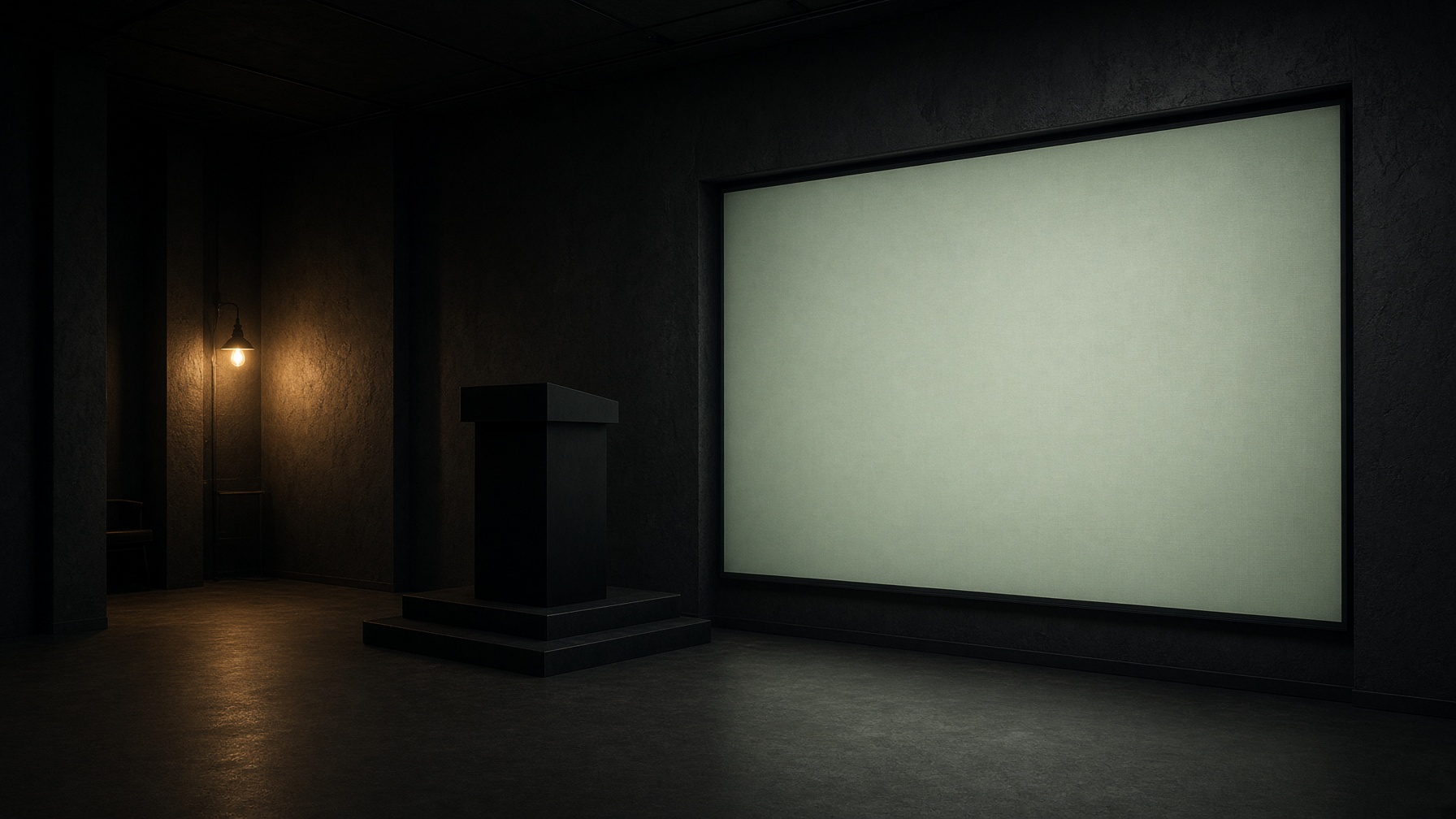
Finance for Founders
Landscape banners 1920×240. Q&A sits on the right of the stream, inside the banners.
Each banner, on its own
Top or bottom — the stream sits beside Q&A. No colour bands on the sides.
Top banner
1920 × 240 · 22% of the stage
Bottom banner
1920 × 240 · 22% of the stage
Listing card
Finance for Founders
50 Studio · 16:9 catalogue crop
Waiting room

Finance for Founders
Live in 00:12:40 SAST
The classroom
Jitsi, created with the event
There is nothing to paste. Save the event and 50.co.za provisions a Jitsi Meet room. Guests join in the branded frame, with Q&A on the right. No Zoom, Teams, or Meet accounts.
Automatic
The dashboard creates the room from the event slug. It stays tied to that public link.
In the page
Camera, mic, and screen share run in the browser. We disable the Jitsi app prompt.
Beside Q&A
Questions stay on 50.co.za, next to the stream, inside your top or bottom banner.
On a 1920×1080 stage
- Top or bottom landscape strip: 1920 × 240 (22% of height).
- Stream fills the remaining width, with Q&A on the right (~320 px).
- No left or right colour bands.
- Safe type area: keep logos 40 px inside the trim; GIFs under 1.2 MB.